We are the MozFace team. You screenshot a contract, a lease, or an official letter to ask a friend or an advisor a quick question — maybe just to check one clause. The trouble is that the page you send rarely contains only that clause. Names, addresses, account and reference numbers, dates of birth, and signatures sit right alongside the part you care about. This article walks through what to mask in a document screenshot and how to cover several fields cleanly so only the relevant part stays readable.
A document screenshot leaks more than the clause you ask about
Documents are designed to identify people, so they are full of it. A typical contract or statement holds full names, a home or billing address, account or policy numbers, and dates, often spread across several lines and corners. When you send a screenshot to ask about one figure, everything else on the visible page travels with it.
The awkward part is how easy these are to overlook. Your attention is on the question you are asking, so the address in the header and the account number in the footer fade into the background. Once the screenshot is in a chat, it can be forwarded, saved, or seen by more people than you intended — which is why it pays to mask before sending, not after.
Mask several fields at once with the manual brush

MozFace lets you cover each sensitive field with a manual brush you trace with your finger. Drag over the name, then the address, then the account number — choosing mosaic, blur, or a stamp — and handle several spots on the same page one after another. Change the brush size to suit a single line or a whole paragraph, so a long address block is just as quick as a short reference number.
Because the brush only touches what you trace, the clause you actually want to ask about stays perfectly readable. You are separating what to show from what to hide on a single screenshot, rather than cropping the page down until the context is lost.
Raise the strength and reveal to confirm nothing is missed
Text in a document is sharp, so a faint blur can sometimes still be read when zoomed in. MozFace lets you raise the strength until the characters collapse into an unreadable block, and switch to a heavier mosaic on the most sensitive fields. The edited image saves as a separate file, leaving your original screenshot untouched.
With several fields covered on one page, it is easy to wonder whether you got them all. Because you place each mask yourself, you can tap to reveal and recheck any spot, fix it, and cover it again. Whether a document is appropriate to share, and which parts must stay confidential, is your call — the app gives you a reliable way to mask whatever you decide to hide.
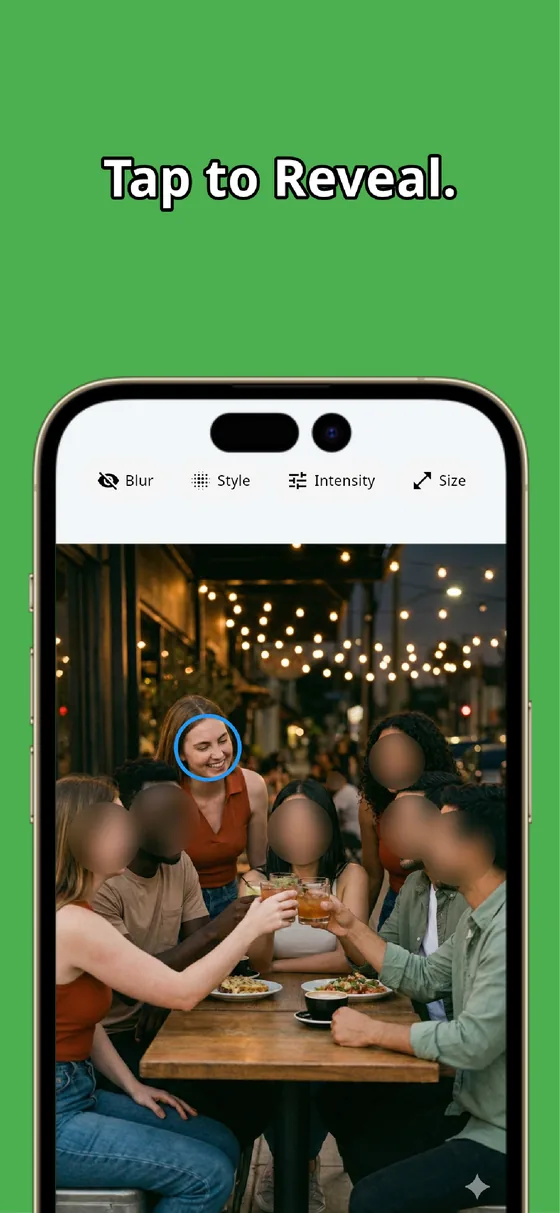
A document screenshot can answer your question without exposing everyone named on the page. Mask each field with the manual brush, raise the strength on numbers, and reveal to confirm nothing is missed. In a minute or two you have a clean screenshot that shows the clause and hides the rest.

MozFace
Auto-mosaic or blur every face just by picking a photo. Mask names, addresses, and account numbers with the manual brush. Everything runs on your device, fully offline.
Learn more about MozFaceFrequently asked questions
What should I mask in a document or contract screenshot?
Names, home or billing addresses, account and reference numbers, dates of birth, and signatures. Mask everything that identifies a person and leave only the clause or figure you are asking about readable.
Can I cover several fields on the same page?
Yes. Trace each spot one after another with the manual brush, adjusting the brush size for a single line or a whole paragraph, so a page with multiple fields is handled in one pass.
How do I make sure I did not miss anything?
Because you place each mask yourself, you can tap to reveal and recheck any spot, fix it, and cover it again. Raise the strength on numbers so a covered figure cannot be read when zoomed in.
Are my screenshots ever sent over the internet?
In MozFace, detection and editing happen entirely on your device, and your images are never sent to any external server. It works even with no signal.