We're the OneTapLog team. You remember taking the note, but was it in the stock Notes app, in WhatsApp to yourself, in some other app, or on paper — you just can't remember where you wrote it. If you can't find what you saved, it's the same as never having written it. In this article we'll talk about why notes scatter, and how to build a state where they're found without searching.
Notes scatter because you choose a place every time
Watching how many people keep their notes, what we noticed is that the cause of the mess is "having multiple places to write." Shopping goes in stock Notes, work in Notion, passing thoughts in a message to yourself, anything urgent on paper. Picking the best tool for each situation seems smart, but it means that when you look back, you have to remember "where did I write it" every single time. That's the biggest reason things go missing.
On top of that, when you try to neatly sort into folders and notebooks, you hesitate at "where does this go" while writing, and that hesitation stops the note itself. Sorting increases both the effort to write and the effort to find.
Throw everything into one place, chronologically
Our answer was "don't sort." In OneTapLog, everything — passing thoughts, shopping, work notes, even your mood — gets thrown into the same chronological timeline. You don't pick a place when writing, so there's no hesitation, and "if it's anywhere, it's in OneTapLog" brings the effort of finding close to zero.
When you want to distinguish things, just add #work or #shopping in your text. Without sorting into folders, you can filter later by tag. The idea is to leave organizing not to when you write, but to when you look back.
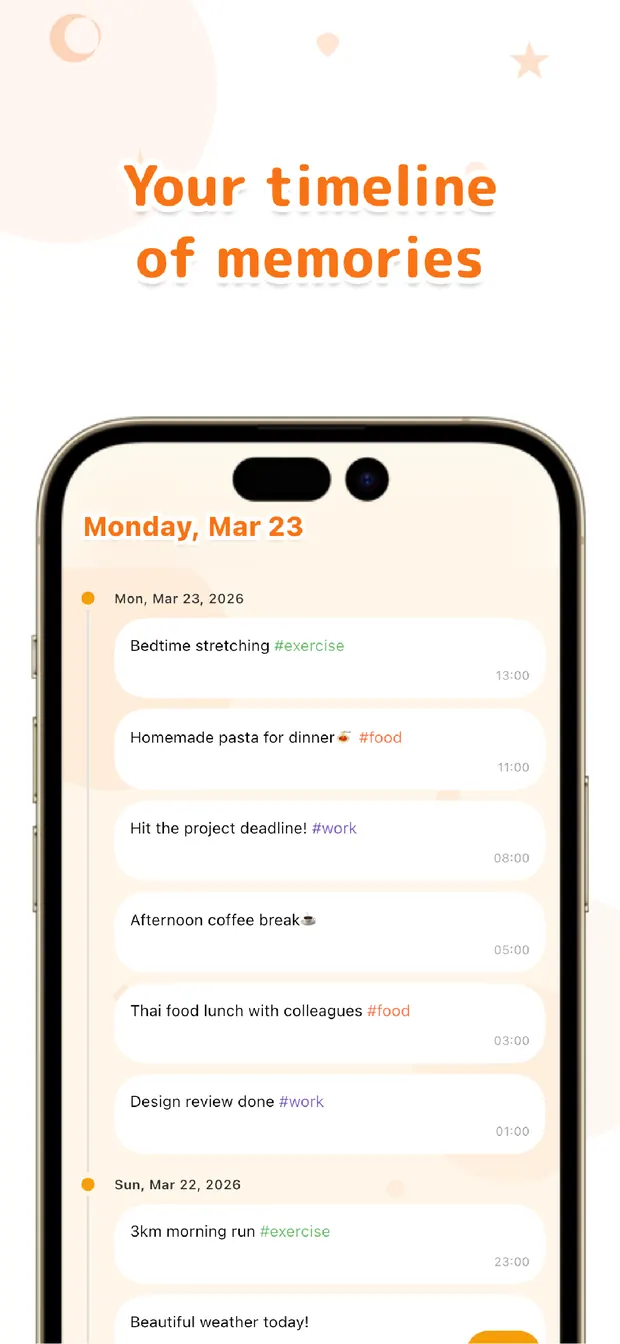
Leave the finding to search
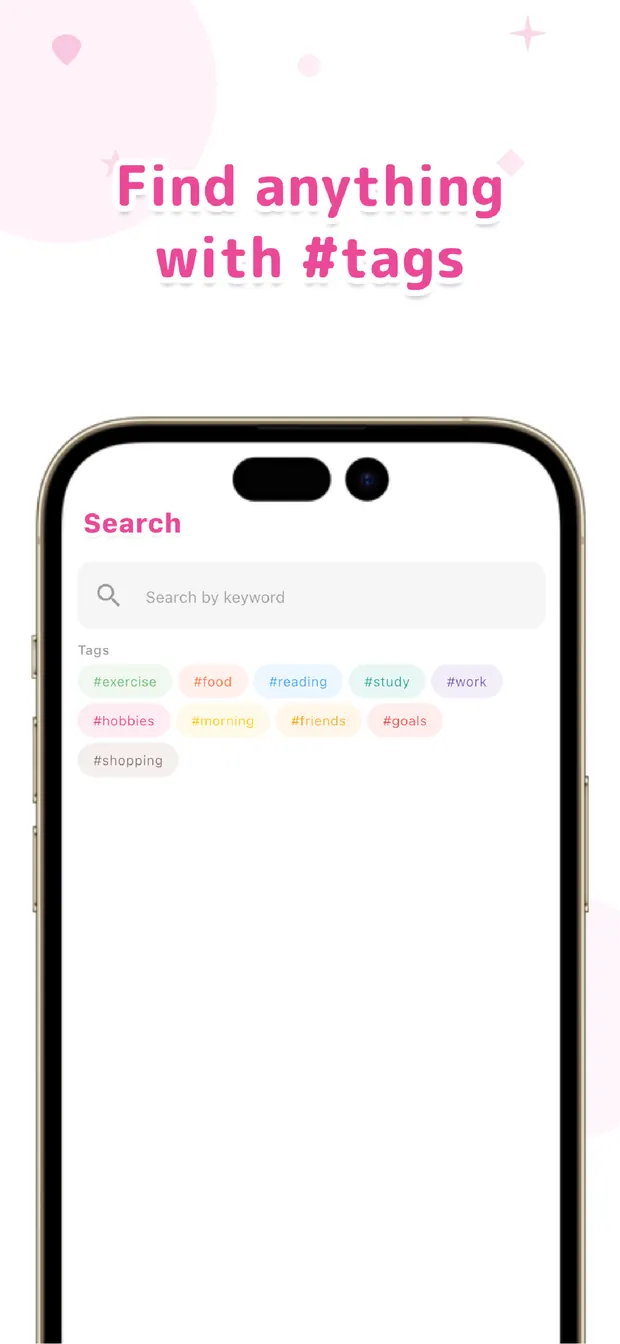
When it's all in one place, finding is easy. Type a keyword and full-text search nails it; if you want it by date, use the calendar; if you want to follow a theme, use #tags. The step of "which app was it" disappears entirely, so you reach a state where you can pull things up by search, not by memory.
If your notes have been scattered across multiple apps, we recommend starting by deciding on one "just write it here" place. The more you write into it, the better search works.
A note's value shows not at the moment you write it, but at the moment you want to find it. Centralize where things go, and leave the finding to search. Sometimes not sorting is the best way to stay organized — that's what we've come to believe.

OneTapLog
Everything in one place, chronologically. Throw it in without sorting, and pull it up later with search and #tags. For anyone whose notes scatter. No account, works offline, free to start.
Learn more about OneTapLogFrequently asked questions
I can never remember where I wrote a note.
When you have multiple places to write, you have to remember "where did I write it" later. Decide on one "just write it here" place first, and leave the finding to search — you'll lose track of things far less.
Is it really okay not to sort into folders?
OneTapLog is designed to keep everything in a chronological timeline. Instead of sorting, you filter later with #tags and full-text search, so you never have to hesitate over where something goes when writing.
How do I find past notes?
You can find them three ways: full-text keyword search, the calendar to follow by date, and #tags to narrow by theme. Because it's all in one place, you can retrieve things without relying on memory.
Won't work and personal notes get mixed up together?
Distinguish them with #tags and you can later narrow to just work or just shopping. Throw everything in together when writing, and separate when you look — that's the easy way to run it.