We're the OneTapLog team. Come Friday you look back at "what did I even do this week" and barely remember. Before a daily update, a weekly report, or a performance review, you can't come up with anything to say. We hit this ourselves all the time, between bursts of development. The cause isn't your memory — it's that you didn't capture what you did on the spot. In this article we'll talk about how to build a work log you can reconstruct later.
Why "write it all up later" fails
When you try to look back on your work in one go at the end of the day or the week, things usually fall through. Memory fades with time, and in particular small tasks and the odd jobs you handled on interruption vanish without a trace. The more your work involves multitasking and switching context many times a day, the harder the recall-it-later approach breaks down.
And yet keeping a proper work journal in real time is a heavy burden that itself won't last. What you need is the lightness to toss in a single line the moment you do something, without breaking your flow of work.
One second on the spot, toss in the work
OneTapLog shows the input field the moment you open it, so at a break in your work you type "Sent the quote to Acme" or "Investigated the bug in X" and send. A timestamp is added automatically, so when you did what gets recorded on its own. Since there's almost no time spent stopping, you can leave it without breaking concentration.
Add tags like #meeting #dev #projectA and you can later narrow by project or type of work. Don't aim for a perfect report — the trick is to leave it as dots.

At report or review time, reconstruct with search
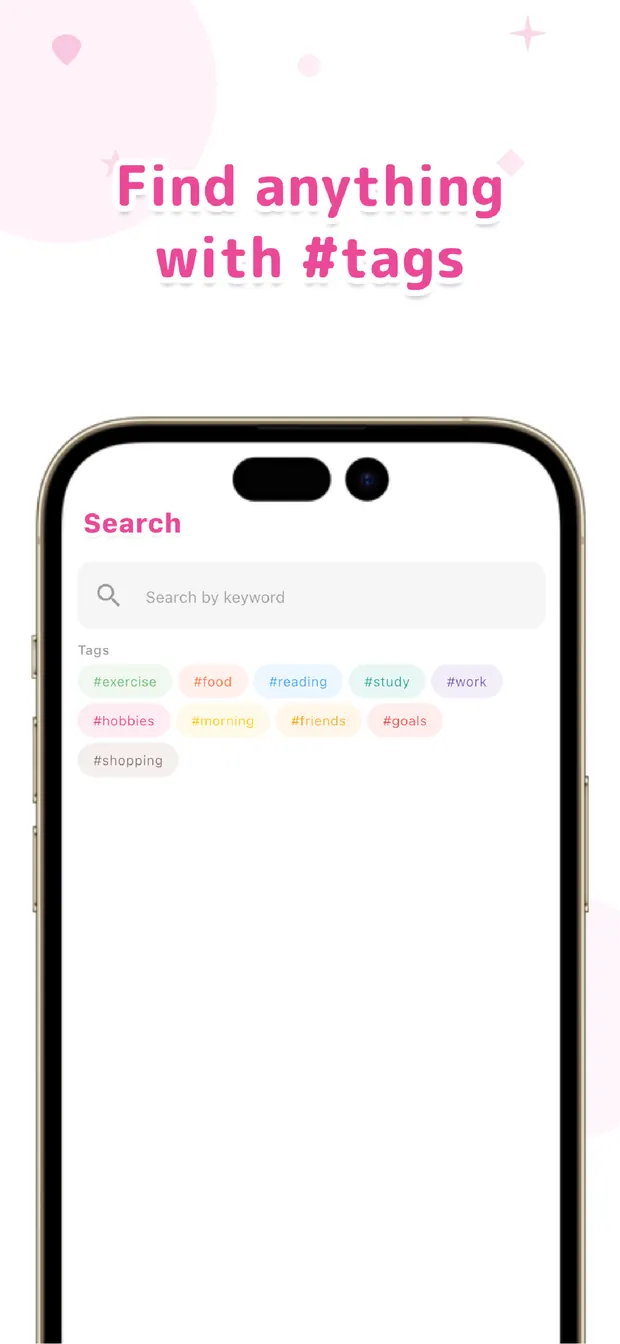
The records you left as dots become a line when you look back. For a daily update, just scrolling that day's timeline gives you the raw material. For a weekly report, searching by #tag per project shows what you spent time on. It also helps when you need to recall "what I accomplished this half-year" before a review.
Instead of squeezing it out of memory, you assemble it from the records that stayed. That alone cuts down a lot of the pain of reports and the anxiety of "I can't remember what I did." Leave a line on "how far you got" for an interrupted task and resuming is smooth, too.
Work memory fades faster than you'd think. That's exactly why you leave it lightly on the spot. As long as the record exists, you don't have to remember. The more you struggle with reports and reviews each time, the more the habit of leaving dots will pay off.

OneTapLog
A line at each break in your work, saved automatically with a timestamp. Turn it into raw material for daily and weekly reports with #tags and search. No account, works offline, free to start.
Learn more about OneTapLogFrequently asked questions
I can't recall what I did at work later.
The recall-it-all-later approach loses things as memory fades. Leave a line on the spot at each break in your work, and it's recorded automatically with a timestamp, so you can look back accurately later.
Can I use it as material for daily and weekly reports?
Yes. Scrolling that day's timeline gives you the raw material for a daily update, and searching by #tag per project makes weekly reports easier to assemble. It also works for reviewing your accomplishments before a performance review.
Isn't writing every time a burden?
You can send in a single line, so the burden stays small. Rather than keeping a proper journal in real time, you leave dots lightly and turn them into a line when you look back.
Can I use it to resume interrupted work?
Yes. Leave a line on "how far you got" when you're interrupted, and you can quickly recall the situation when you resume. The more interruption-heavy your work, the more effective it is.