We are the MozFace team. When you finally land a ticket to a sold-out concert or a big game, the urge to share it is real — and a quick photo of the ticket on your feed feels harmless. The problem is the QR code. A clear photo of an entry QR, seat number, and booking reference can be scanned straight off the screen, and someone else can walk through the gate before you do. This article walks through what makes a ticket photo risky and how to share the excitement without handing your entry away.
Why a ticket photo is risky to post
The danger is that a ticket QR is designed to be machine-read in an instant. Post a sharp photo and anyone can scan the code from their own screen, copy the booking reference, or read the seat and use it to impersonate your entry. Many venues admit whoever scans first, so a duplicated code can mean you arrive to find your seat already taken.
Beyond the QR itself, the small print carries plenty too: a booking or order number, the seat block and row, and sometimes your name. Each of those can be enough to manage or cancel the booking on some platforms. The item you want to celebrate is also the thing that gets you in, which is exactly why it needs covering before it goes public.
Cover the QR and numbers with the manual brush

In MozFace you cover the sensitive parts with a manual brush you trace with your finger. Drag over the QR code, the booking number, and the seat, then choose mosaic, blur, or a stamp. For a QR especially, raise the strength until the pattern is fully broken up — a partial cover can still be readable by a scanner, so push it until no code survives.
You can leave the artwork, the event name, and the date visible so the photo still says where you are going, while the parts that actually grant entry are gone. The finished photo saves as a separate file, so your real ticket stays untouched on your phone.
If you are in the shot, hide faces automatically
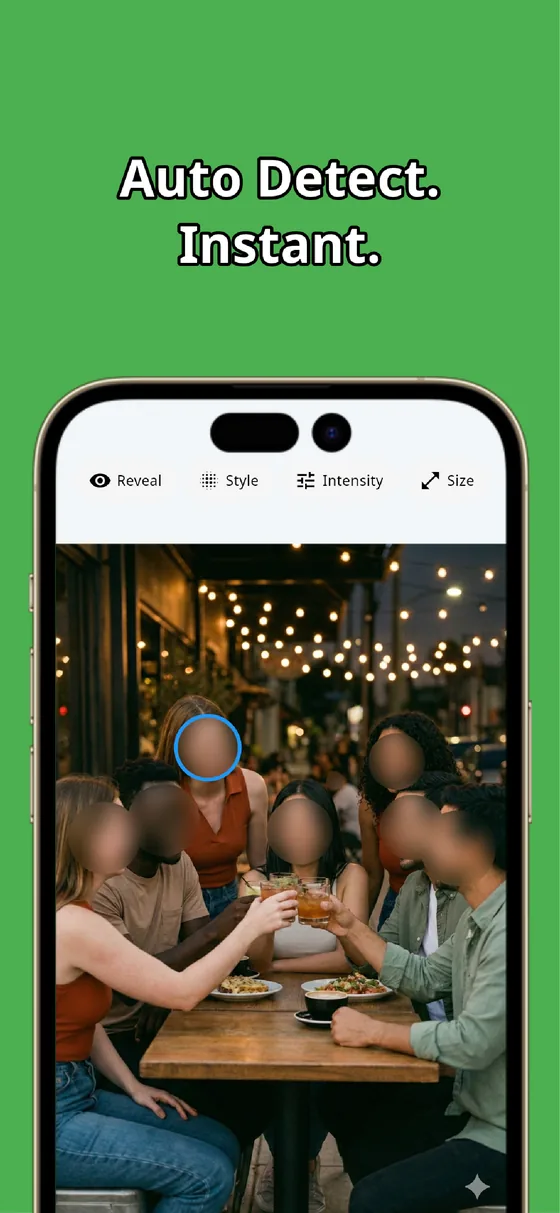
Holding the ticket up for a selfie, or catching friends in the frame? The moment you pick a photo, MozFace runs on-device AI that detects every face and opens with everyone already blurred. A friend who did not agree to be posted is covered along with the rest, and a single tap reveals any face you do want shown.
Combine the two: auto-blur the faces, then brush over the QR and numbers. All of it happens on your device and your photos are never sent anywhere. Whether to share a ticket at all is your call — the app just makes it easy to remove the parts that could be misused before you post.
A ticket photo is fun to share, but the QR and the numbers are the keys to your seat. Cover the QR firmly with the manual brush, hide the booking and seat details, and auto-blur any faces. In tens of seconds you have a post that shows the excitement and keeps your entry safe.

MozFace
Auto-mosaic or blur every face just by picking a photo. Cover QR codes and booking numbers with the manual brush. Everything runs on your device, fully offline.
Learn more about MozFaceFrequently asked questions
Why is posting a ticket QR code risky?
A QR code is built to be scanned in an instant, so a sharp photo can be read straight off your screen and used to enter in your place. Booking numbers and seat details can also let someone manage the reservation, so cover them before posting.
Will a light blur on the QR be enough?
Not always — a partial cover can still be readable by a scanner. Raise the strength or switch to a heavier mosaic until the QR pattern is fully broken up so no code survives.
Can I keep the event name and artwork visible?
Yes. The manual brush covers only the spots you trace, so you can hide just the QR, booking number, and seat while leaving the artwork, event name, and date readable.
Are my photos ever sent over the internet?
In MozFace, face detection and editing happen entirely on your device, and your photos are never sent to any external server. It works even with no signal.