01
Just snap it
Nothing to choose at capture time, no child or category to pick. Capture first, sort whenever you like.
OurPost
by BitFlap LLC
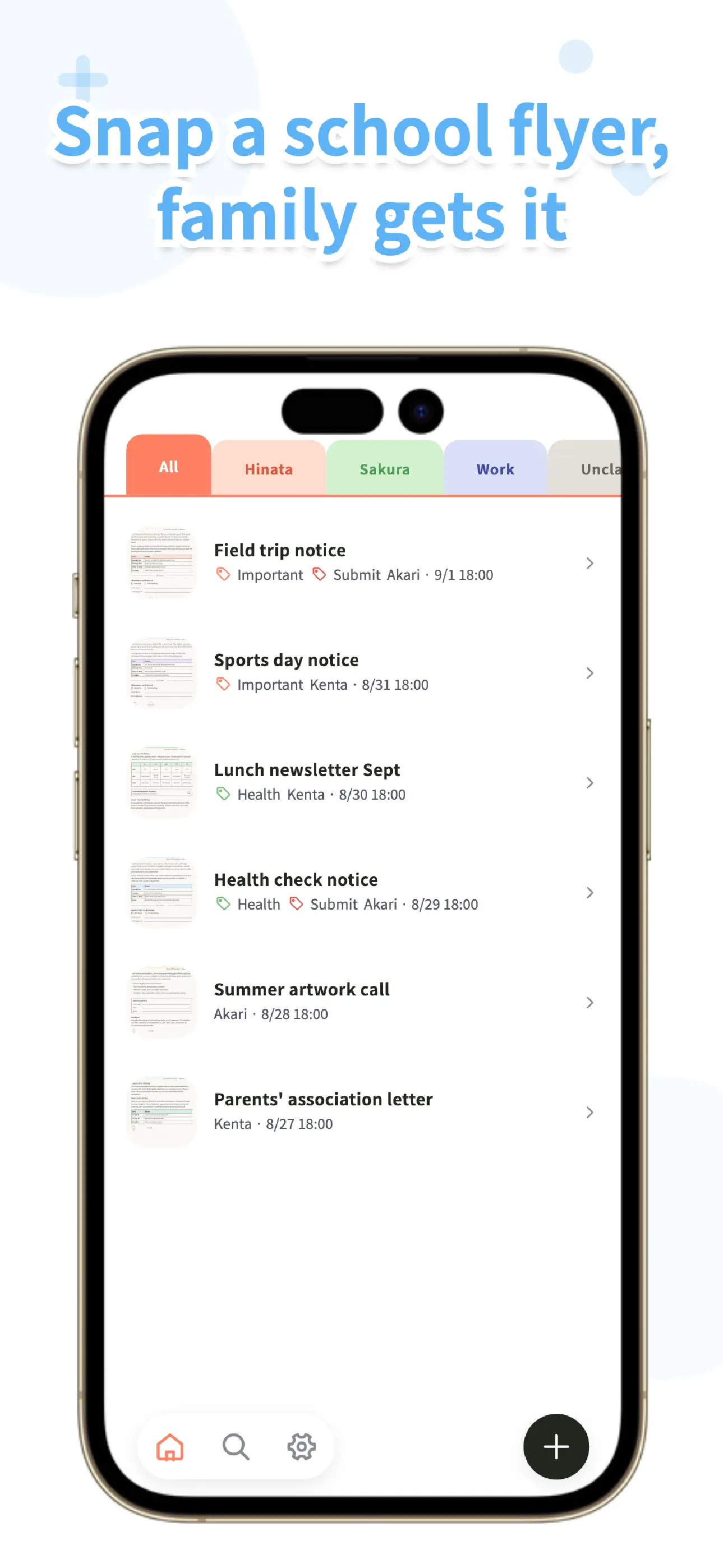
Papers and PDFs from daycare, preschool, and school land in one family inbox the moment you capture them. No more notices that only reach one parent. Sorting can wait, and nothing disappears.
Available for iOS and Android. Capturing, organizing, searching, and family sharing are free.
01
Nothing to choose at capture time, no child or category to pick. Capture first, sort whenever you like.
02
OurPost saves to your device first. Capture, browse, and search work offline, and everything syncs with your family once you are back online.
03
OurPost has no ads. Capturing, importing, organizing, searching, and family sharing are free, with up to 6 family members.
Built for school papers
To solve "Did you see that permission slip?" the second you snap it, we kept only what you need from receiving a paper to finding it again.
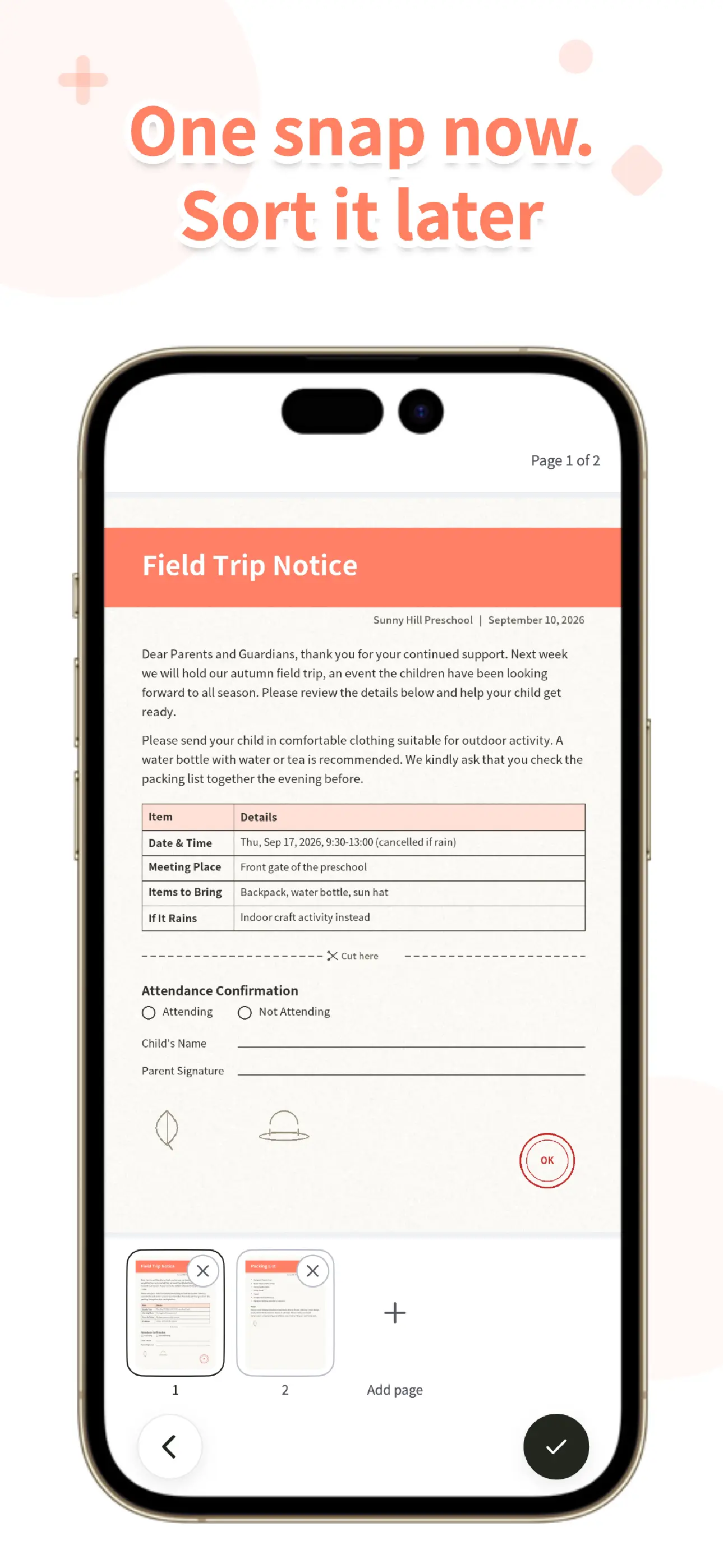
Capture a paper on the spot and it appears in the shared inbox for everyone, along with who captured it.
Nothing to fill in when you capture. Import photos or PDFs, or pull PDFs in from the school app through the share sheet.
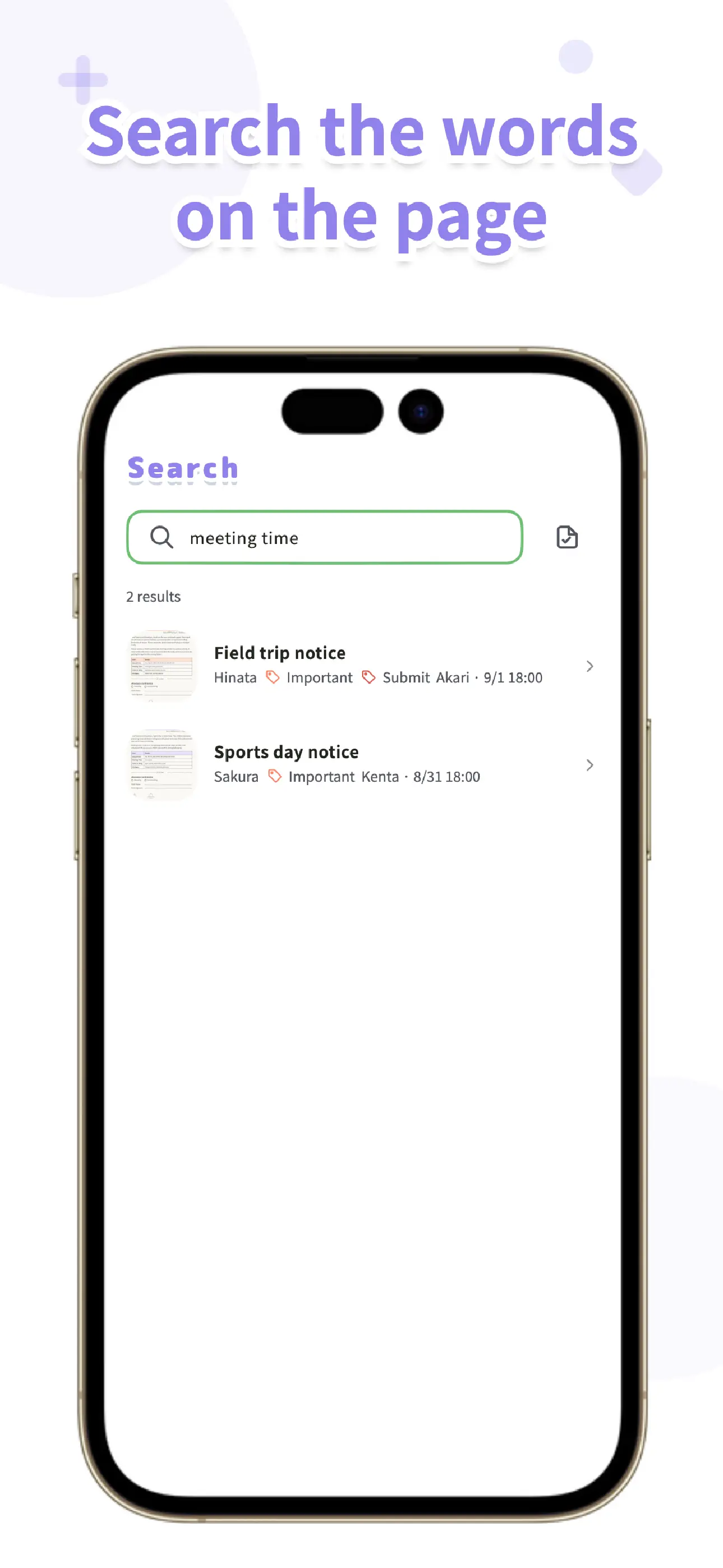
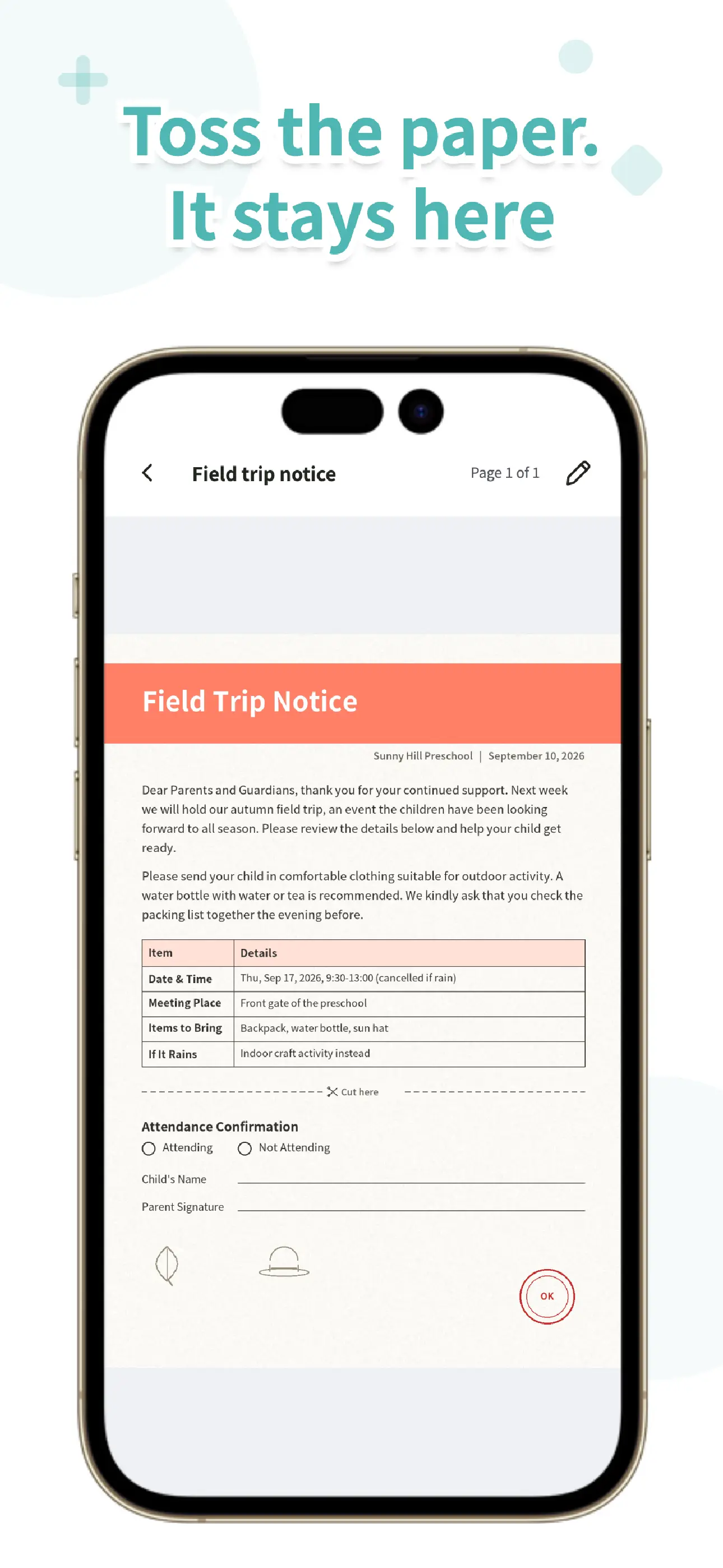
On-device OCR reads the text on each paper, so you can search for "field trip" or "payment" long after the paper is gone.
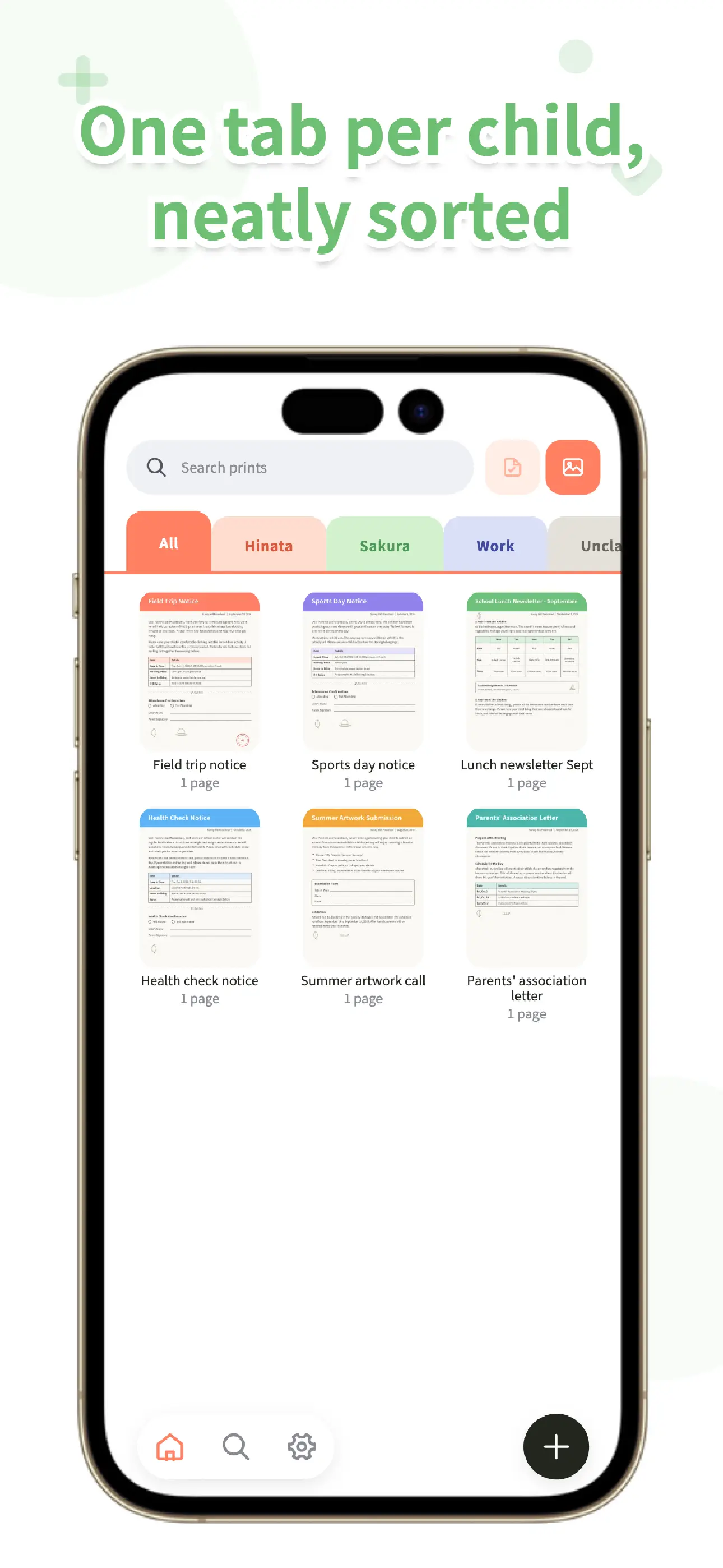
Organize with lists and tags whenever you like. One list per child, one for work, one for the whole family, it is up to you.
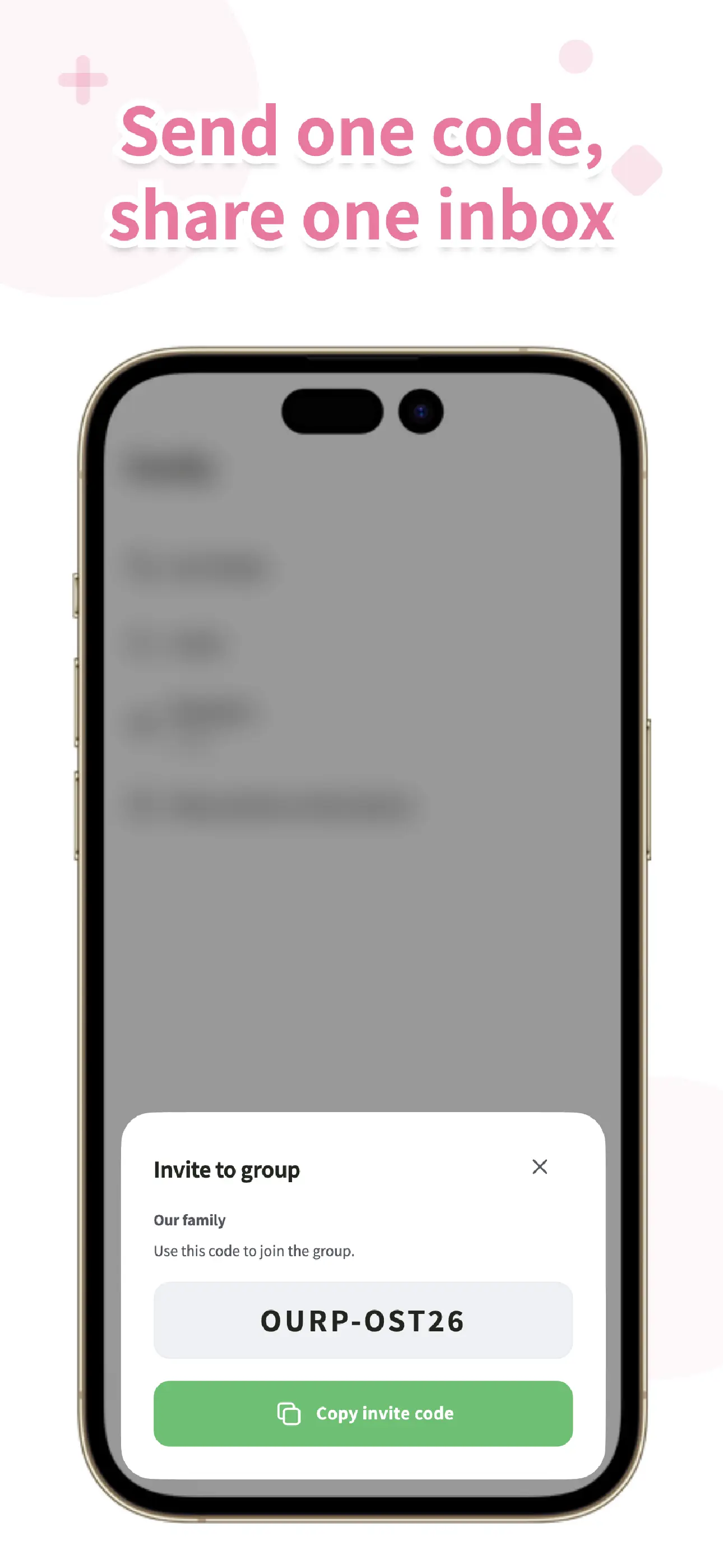
Invite your family with a single code. Partners and grandparents see the same papers in the same place.
Deleted papers stay in Trash until you permanently delete them, and can be restored. It is the copy you can still trust after the paper is gone.
OurPost screens
← Swipe →
Three steps to start
Capture the paper right at pickup, or import a PDF from the share sheet. No categories to think about.
Everyone who joined with your invite code sees the same paper. The "did you see it?" message becomes unnecessary.
Search by list, tag, or the words on the page. Even after the paper is recycled, what it said is still here.
Simple pricing
You only ever pay for cloud storage. Family size and features are the same on every plan.
$0
$5.99 / month or $59.99 / year
Prices shown are for the US App Store and may vary by region. If you leave BitFlap One, the papers on your device stay where they are.
Local-first by design
OurPost saves every capture to your device and runs OCR on-device. Only when you share with your family is the necessary data sent to our service over an encrypted connection. We never use your data for advertising.
Useful reads
OurPost is available on the App Store and Google Play. Download it for free and start with today's papers.