We are the MozFace team. Sooner or later, some service — a clinic portal, a benefits provider, an identity check — asks you to send a photo of your health insurance card. But an insurance card carries numbers that can be misused if the image ends up in the wrong inbox, and many services explicitly accept, or even ask for, a masked copy that shows only what they need. This article covers which fields to mask on an insurance card photo, and how to black them out so they truly can't be read.
The short answer: black out the member ID, group number, and any barcode with a manual brush, strong enough that nothing shows through. With MozFace, you just trace them with your finger.
Why mask an insurance card at all
An insurance card is essentially a key to your coverage. If the identifiers on it leak, they can be used for fraudulent claims or medical identity theft — someone receiving care or filing claims under your coverage. That's why the common practice when a card image is only needed as a supporting document is to cover the identifying numbers and submit just the fields the recipient actually needs. Sending a masked copy isn't rude; it's the careful, standard way to do it. If the recipient specifies what to show and what to hide, their instructions always come first.
Which fields to cover
On a typical health insurance card, these are the fields to mask:
- Member ID / subscriber ID
- Group number
- Any barcode or QR code printed on the card
Your name and date of birth are usually what the recipient wants to verify, so leave them visible unless told otherwise. When in doubt, ask the recipient which fields they need — their answer overrides any general rule.
A light blur can still be read. Black-out is safest

How you cover the numbers matters. A light blur or coarse mosaic can leave digits faintly legible, and a fixed-length ID that shows through even slightly gives away real clues. For numbers, a full black-out fill is the safest choice — nothing to squint at, nothing to reconstruct.
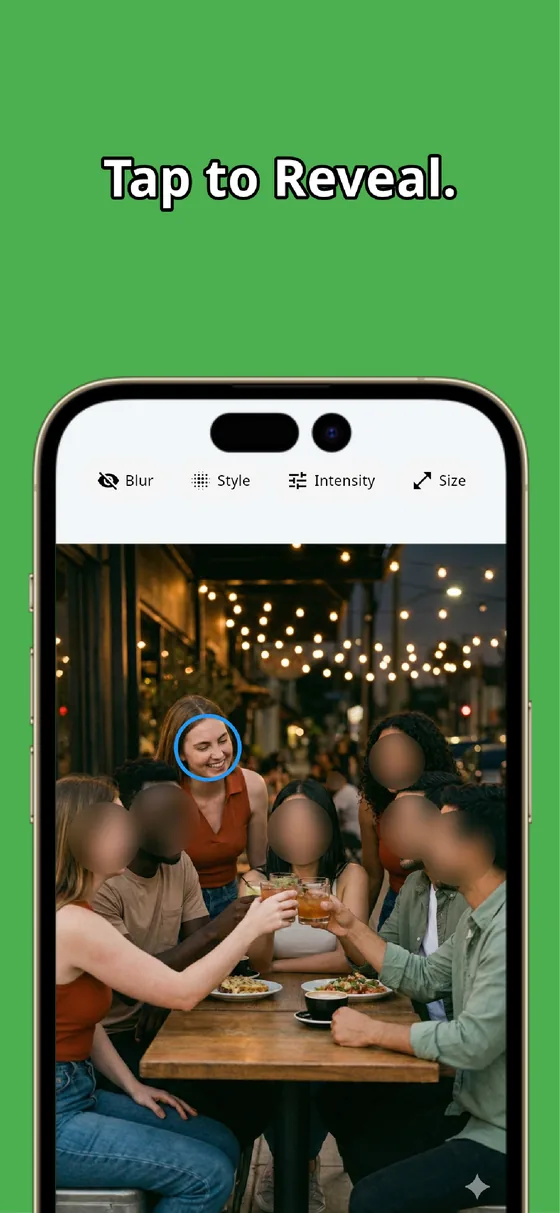
MozFace blurs faces automatically, but everything else can be hidden with the manual brush. Pick from mosaic, blur, or solid fill, then trace over the member ID and group number with your finger — the same gesture as face blurring. If you go over the line, one tap undoes it.

Try masking with MozFace
Just trace the numbers with your finger. Choose mosaic, blur, or solid fill and make them truly unreadable. Everything is processed on your device.
Available for iOS / Android · No registration required
Better than taping over the card and reshooting
You could stick a sticky note or tape over the numbers and then photograph the card. In practice, though, the paper slips out of place, casts a shadow, and you end up reshooting. Taking a normal photo first and filling in the numbers with an app is more reliable — you can see exactly what's covered on screen before you send it.
MozFace lets you review the areas you've hidden, so you can check for gaps before submitting. The finished image is saved as a separate file, and your original photo stays untouched.
Patient cards and pharmacy booklets, too
The same thinking applies beyond the insurance card itself: patient ID cards and pharmacy records often carry a patient number and a barcode. A barcode can sometimes be scanned even when partly visible, so cover the whole code, margins included, with a solid fill. The same goes for cards that accidentally end up in the background of a photo you're about to share.
To sum up: black out the member ID, group number, and any barcode, and leave the fields the recipient asked to see. Don't settle for a faint blur — fill until nothing can be read. Make this small step a habit before any card photo leaves your phone.
MozFace
Auto-mosaic or blur faces, and black out numbers or barcodes with the manual brush. Handle everything you want to hide in one photo. Fully offline.
Learn more about MozFaceFrequently asked questions
Is a mosaic or blur safe enough?
A light blur or mosaic can leave digits faintly legible or give clues for reconstruction. For ID numbers, a full black-out fill is the safest option.
Which parts of an insurance card should I hide?
The recipient's instructions come first. As a general rule, mask the member ID, group number, and any barcode, while your name and date of birth are usually left visible for verification.
Can't I just tape over the numbers and take the photo?
You can, but the paper tends to slip or cast a shadow, forcing reshoots. Taking a normal photo and filling the numbers in an app is more reliable, since you can confirm the coverage on screen.
Is my card photo sent anywhere?
In MozFace, editing happens entirely on your device, and your photos are never sent to any external server. It works even with no signal. The final decision on what to submit is always yours.