We're the OneTapLog team. A headache here, heavy fatigue there, an upset stomach on an off day — you'd like to look back and understand your ups and downs, but the notes never seem to last. We've felt that too. The reason usually isn't carelessness; it's that recording how you feel when you feel worst is exactly when you have the least energy for it. This article is about a condition log light enough to keep going.
A single bad day tells you nothing — the pattern is the point
One off day on its own isn't very informative. What's worth seeing is the shape over weeks: how often the headaches come, whether the fatigue clusters around certain days, what tends to surround a flare-up. But that shape only appears if the small notes pile up, and small notes only pile up if leaving one costs almost nothing.
So instead of detailed symptom forms, we lean toward a few words in the moment. Not a medical chart — just enough of a trace that, later, you can search it and let the pattern show itself.
A few words plus #condition, the moment you feel it
With OneTapLog, the input field appears the instant you open the app. Type something like “dull headache since afternoon” and send it with one tap. The timestamp attaches itself, so you don't have to note when. There's no severity scale to fill in and no form to navigate — just the words you'd actually use.
Add #condition to keep these notes grouped. Because it's this quick, you can capture a symptom even on a rough day, which is precisely when a heavier tool would lose you.

Search brings the waves into view
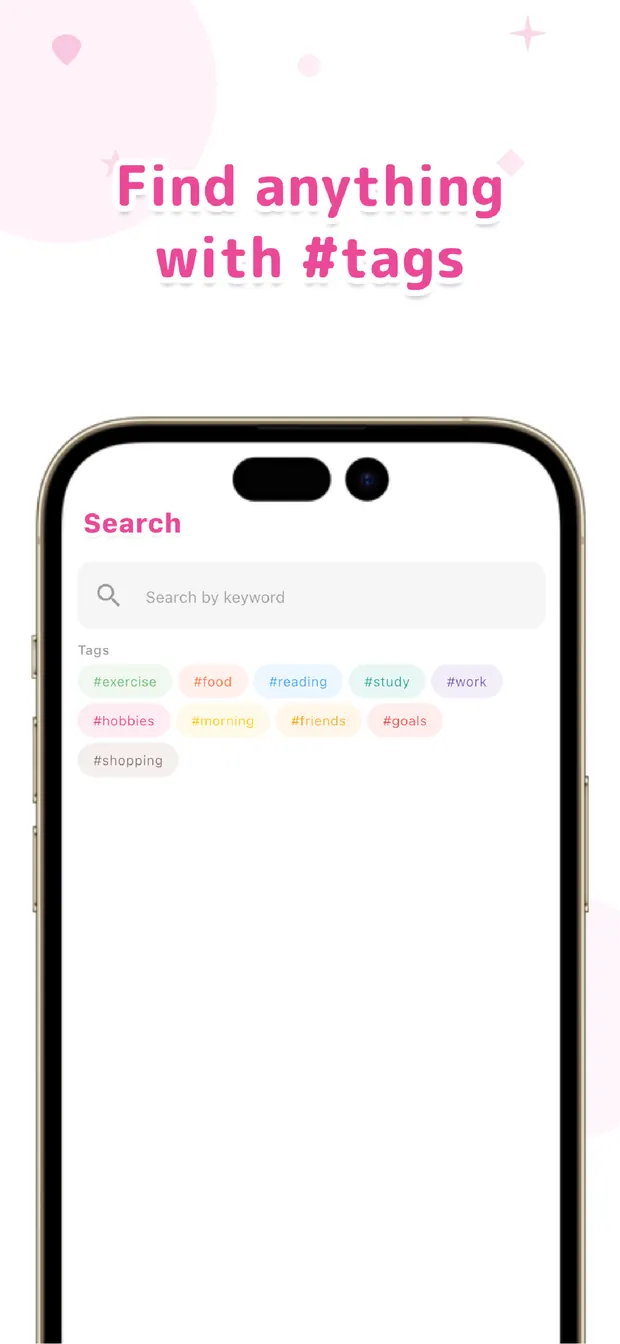
Search “headache” and every day you noted one lines up, so you can see how often it really happens rather than relying on a vague sense. Filter by #condition and the whole arc of your ups and downs reads back to you on the timeline.
Because your meals, sleep, and mood notes sit in the same place, you can start to notice connections — like fatigue showing up after short nights, or an upset stomach following certain meals. OneTapLog doesn't diagnose anything or offer advice; it just keeps your own notes where you can search them and draw your own conclusions.
You don't need a clinical-grade tracker to understand your own body. A few honest words each time, a tag, and the ability to search later is enough to turn scattered off days into a pattern you can see. Note it lightly, review it together — that's how condition notes finally stick.

OneTapLog
A few words + #condition, one tap. Auto timestamps included. Look back later with #tags, search, and timeline. No account, free to start.
Learn more about OneTapLogFrequently asked questions
How do I keep condition notes from fizzling out?
Keep each note to a few words and send it in one tap. Skipping detailed symptom forms is what lets the record survive the very days you feel worst, which are the most important ones to capture.
Does OneTapLog give health or medical advice?
No. OneTapLog doesn't diagnose, predict, or offer medical advice. It simply stores the notes you write so you can search and review them yourself. For health concerns, please consult a medical professional.
How do I look back on a specific symptom?
Search a keyword like “headache,” or filter by #condition. Every matching entry lines up with its timestamp, so you can see how often it occurred and how it spread across days.
Can I spot links between my condition and other things?
Because meals, sleep, and mood notes share the same timeline, you can browse them together and notice connections, such as fatigue after short nights. The app shows your data; the conclusions are yours.