We're the OneTapLog team. There's a small, maddening gap that decides whether a thought gets written down or lost: the seconds between opening a memo app and actually being able to type. With a feature-packed app, those seconds add up — and in them, the urge to write quietly fades, or the thought itself slips away. In this article we'll compare what really happens in those few seconds, and explain why a memo that opens straight to the input field is the one that keeps you writing.
Compare the steps from open to writing
Picture a richly featured notes app. You tap the icon, wait for it to load, land on a list or a dashboard, decide which notebook or folder this thought belongs in, open or create a note, and only then does the keyboard appear. None of those steps is hard on its own, but stacked together they form a wall of small decisions between you and the words. By the time the cursor is finally blinking, the fragile little thought you wanted to catch has often already gone.
The cost isn't measured in seconds — it's measured in lost notes. Every extra step is another chance for "never mind, I'll remember it" to win, and that bargain almost always ends in forgetting. The friction between open and write is where memos go to die.
When the input field is already there
We built OneTapLog around removing that wall entirely. Open the app and the input field is already waiting, keyboard ready — no list to wade through, no folder to choose, no note to create first. You type the thought and send it with one tap. The whole path from "I want to write this" to "it's written" collapses into a couple of seconds, so the thought lands before it can escape.
That doesn't mean giving up on structure. After you've captured the thought, you can drop a #idea or #todo tag to file it, and the timestamp is saved automatically. The difference is the order: write first, organize later, instead of organizing before you're even allowed to write. Sorting can wait; a vanishing thought can't.

Why removing friction keeps you going
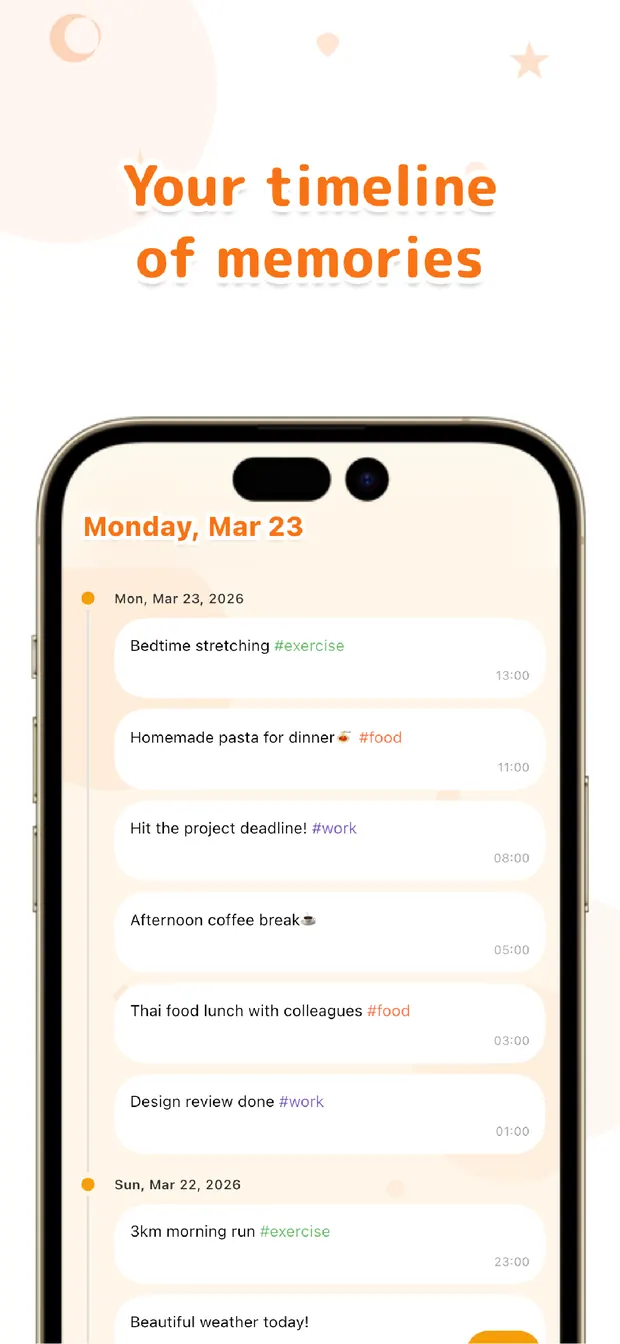
Low friction doesn't just save a few seconds per note — it changes whether you keep using the thing at all. When writing costs almost nothing, you reach for it far more often, and those captures pile up on the timeline into a record that's genuinely useful to scroll back through. A feature-rich app you open twice and abandon leaves you with nothing; a simple one you actually open leaves you with everything you jotted.
There's a place for heavyweight, multi-feature memo apps — long documents, deep organization, rich formatting. But for catching the quick, perishable thoughts of a day, the fewer steps between open and write, the more notes survive. Instant-open isn't a small convenience; it's the whole reason the habit lasts.
If your thoughts keep slipping away in the seconds before you can type, the answer probably isn't a memo app with more features — it's one with fewer steps. Count the taps between opening and writing, and pick the one where that count is nearly zero. Open, write, done — that's the order that keeps a quick memo alive, and the one that keeps you coming back.

OneTapLog
Open and the input field is already there — write and send in one tap, before the thought escapes. Tag and review later on a timeline. No account, free to start.
Learn more about OneTapLogFrequently asked questions
Why do I lose thoughts before I can write them down?
Most memo apps put steps between opening and writing — loading, a list, choosing a folder, creating a note. Each step is a chance for the urge to fade or the thought to slip, so by the time you can type, it's often gone.
What makes an instant-open memo different?
The input field is already waiting when you open the app, so there's no list, no folder, and no note to create first. You type and send in one tap, which collapses the path from wanting to write to having written into a couple of seconds.
Don't I lose organization by skipping folders?
No — the order just flips. You write first, then drop a #tag to file the note afterward, and the timestamp is saved automatically. Sorting can wait; a perishable thought can't, so capturing comes first.
Are feature-packed memo apps ever the better choice?
For long documents, deep organization, or rich formatting, a heavier app makes sense. But for catching the quick, perishable thoughts of a day, fewer steps between open and write means more notes survive — and that's where instant-open wins.