We're the OneTapLog team. When you're trying to build a habit, the thing you really want is a simple answer to one question: am I actually keeping this up? Without that feedback, motivation drains away. In this article we'll talk about why habits feel invisible while you're doing them, and how a tag plus a search makes them easy to see.
A habit you can't see is hard to keep
When you do something once, it leaves almost no trace, so a few days in you genuinely can't tell whether you've been consistent. That uncertainty is what makes people quit — not laziness, but the lack of any visible proof. We came to believe the fastest way to keep a habit going is to make the doing of it leave a mark you can look back on.
The catch is that the recording itself has to be effortless. If logging the habit becomes its own chore, you'll drop that too. So the design question was simple: how do we let you mark each occurrence in a second, and review the whole run just as quickly?
Tag what you do, and the habit takes shape
With OneTapLog, the input field opens the moment you launch the app, so you type something like Morning run, felt good #run and send in one tap. Decide on a tag for each habit you want to keep — #run, #reading, #stretch — and you're done.
You don't need to set goals or check boxes; you just leave a note whenever you do the thing. Because the words become a tag automatically, every occurrence quietly collects under one label without any extra effort from you.

Search the tag, and consistency becomes visible
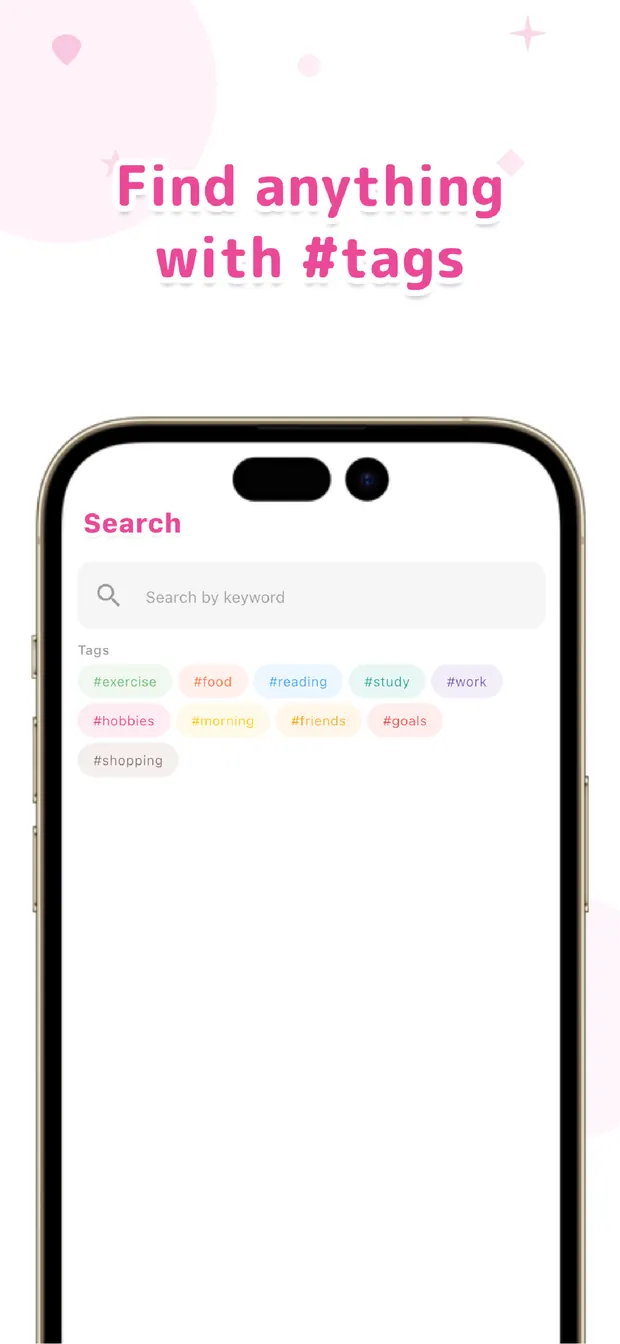
Search for #run and every run you've logged lines up together. Scrolling that list, you can feel right away whether the habit has been holding up or has gone quiet for a while. The notes you jotted alongside — how it felt, the weather — make each entry a little memory rather than a blank checkmark.
There's no automatic streak count or score; the value comes from seeing the entries themselves. When you notice the list has thinned out, that's your cue to pick it back up. Seeing is what keeps the habit honest.
If a habit has fizzled on you before, try giving it a tag this time. Log it lightly, review it by tag — that loop, we believe, is a quiet but dependable way to keep a habit visible and alive.

OneTapLog
One line with a #tag, one tap. Make any habit visible by searching that tag later. No streak counters, no account, free to start.
Learn more about OneTapLogFrequently asked questions
How do I make a habit visible with OneTapLog?
Decide on a tag for each habit and add it whenever you do the thing — for example #run. Searching that tag later lines up every occurrence, so you can see at a glance whether you've been keeping it up.
Does it count streaks automatically?
There's no automatic streak count or score. Instead, the value comes from seeing your actual entries together when you search a tag, which makes consistency obvious without turning it into a number to chase.
Can I track several habits at once?
Yes. Give each habit its own tag, like #reading or #stretch, and they stay separate. You can review any one of them by searching its tag whenever you want to check how it's going.
Is logging quick enough to actually keep up?
The input field opens as soon as you launch the app, so a habit entry is one line plus a tag, sent in a single tap. Keeping the recording light is what makes the habit of logging itself stick.