We're the OneTapLog team. You buy a coffee, grab a snack, pick up something small — and tell yourself you'll add it all up later. By evening you've forgotten half of it. Then you try a proper budgeting app, and the categories and accounts feel so heavy that it lasts a week at most. We've lived this loop too. In this article we'll talk about a lighter habit: jotting each small purchase the moment you make it.
Spending slips away because later never comes
Small purchases are easy to lose because each one feels too trivial to record right then. You plan to reconstruct the day later, but memory fades fast and the little outflows vanish. Budgeting apps try to solve this with structure — categories, accounts, balances — but that structure is exactly what makes them too heavy to keep open on a busy day.
We think the fix isn't more structure but less friction at the moment of spending. If logging takes only a couple of seconds, you can do it while you're still standing at the register, before the purchase has a chance to slip your mind.
Amount, a word, a tag — one tap on the spot
With OneTapLog, the input field is already open when you launch the app, so the moment you spend you type something like 480 coffee #spending and send with one tap. The time is stamped for you. No category picker, no account selection — just an amount, a word, and a tag. Because it takes a couple of seconds, you can do it on the spot every time.
An important note: this is a quick memo, not accounting software. There's no automatic summing, no budget tracking, and no category totals. If you want strict household budgeting with monthly balances, we'd genuinely suggest pairing it with a dedicated budgeting app. What OneTapLog does well is the part those apps make hard — capturing the purchase before you forget it.

Look back later with search and tags
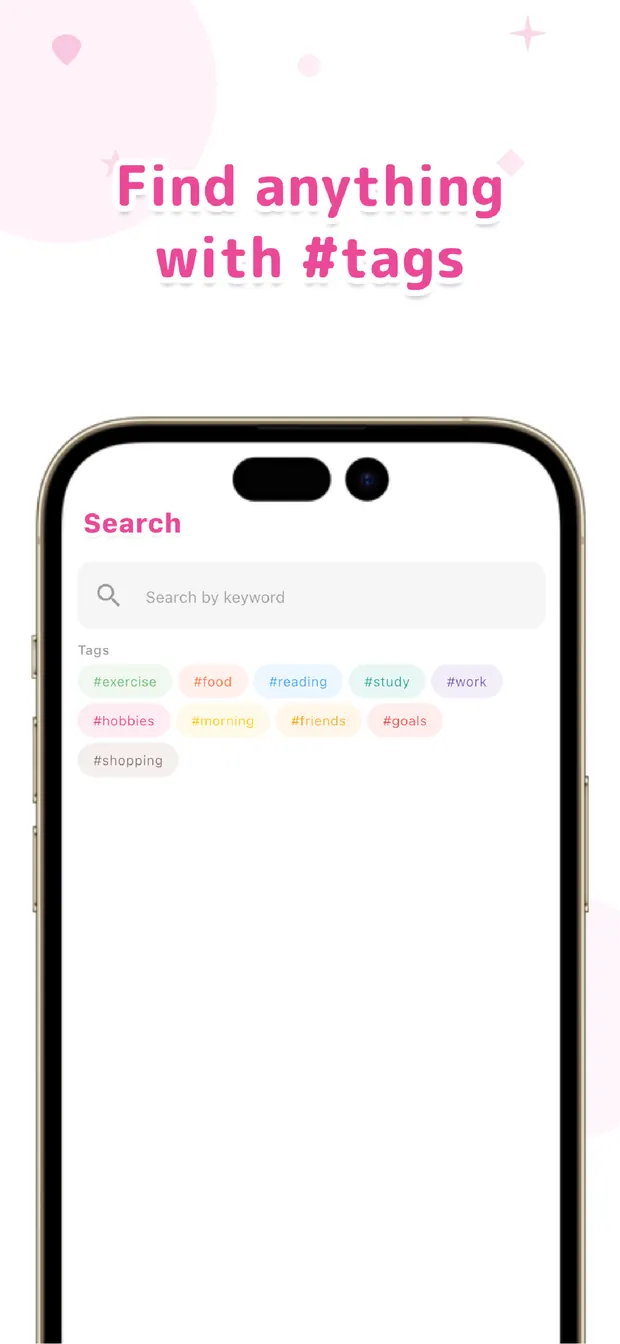
Once the memos pile up, looking back is easy. Search coffee and every coffee you've logged lines up, so you notice how often that small habit shows up. Filter the #spending tag and your scattered little purchases gather into one readable list.
It won't hand you a total, but skimming the list gives you the feel of where your money trickles away — and that awareness is usually what changes behaviour, more than a precise figure. It's all there because the record was light enough to keep going.
If detailed budgeting apps have never stuck for you, start lighter. Capture each purchase the moment it happens, and tidy the picture up later with search and tags. Memo now, review later — that order keeps a spending habit alive.

OneTapLog
Amount, a word, one tap. A spending memo you can keep — no categories to fill in. Review later with #tags and search. No account, free to start.
Learn more about OneTapLogFrequently asked questions
I always forget to record small purchases. What helps?
Logging on the spot rather than later is the most reliable fix. With the input field already open, you can note the amount and a word in a couple of seconds at the register, before the purchase slips your mind.
Does OneTapLog add up my spending or track a budget?
No. There's no automatic summing, no budgeting, and no category totals. It's a quick memo for capturing purchases the moment they happen and reviewing them later. For strict household budgeting, we recommend a dedicated app alongside it.
How do I look back on what I spent?
Use search and tags. Searching a keyword like coffee lists every matching entry, and filtering the #spending tag gathers your purchases into one readable list.
Can I use it alongside a budgeting app?
Yes, and we'd encourage it. Use OneTapLog to capture purchases instantly so you don't forget them, and a dedicated budgeting app when you want totals and balances.