We are the MozFace team. Snapping your car for a post on Instagram, or for a Facebook Marketplace listing, feels harmless — until you notice the license plate is perfectly legible in the corner of the frame. A plate links to the vehicle and, through it, to you. Most people reach for a solid black box, but that looks unnatural and is surprisingly easy to misplace. This article walks through how to hide a plate so it reads naturally and leaves nothing exposed.
Why a plate in a car photo is worth hiding
A license plate is not just a string of characters. It can be traced back to the owner, and combined with a recognizable street or storefront in the background, it narrows down where you live or park. When you sell a car, the listing photos travel far — to strangers, to screenshots, to resale aggregators — so a clear plate stays online long after the deal is done.
The same goes for cars that are not yours. A neighbor's vehicle parked behind yours, or a passing car in a street shot, carries a plate you have no business publishing. When you post the photo, those plates go public too.
Why a solid black box looks wrong
Painting a flat black rectangle over the plate does hide it, but it draws the eye and makes the photo look edited and cheap — not ideal for a listing meant to attract buyers. A hand-drawn fill can also leave a sliver of a digit at the edge, or thin out into something still readable. And if there are several cars in the shot, blacking out each plate one by one is tedious and easy to miss.
Cover the plate with the manual brush

In MozFace, you hide a plate with the manual brush you trace with your finger. Choose mosaic or blur instead of a flat fill, and the plate blends into the rest of the car rather than standing out as an obvious patch. Adjust the brush size to match a thin plate, and raise the strength until the number can’t be read.
Because you trace exactly where the plate sits, you keep the rest of the car crisp — the body lines, the paint, the wheels stay sharp for your listing. If your finger slips, a one-tap undo lets you redo just that stroke. The finished photo saves as a separate file, so your original stays untouched.
Handle several cars, and the people around them, at once
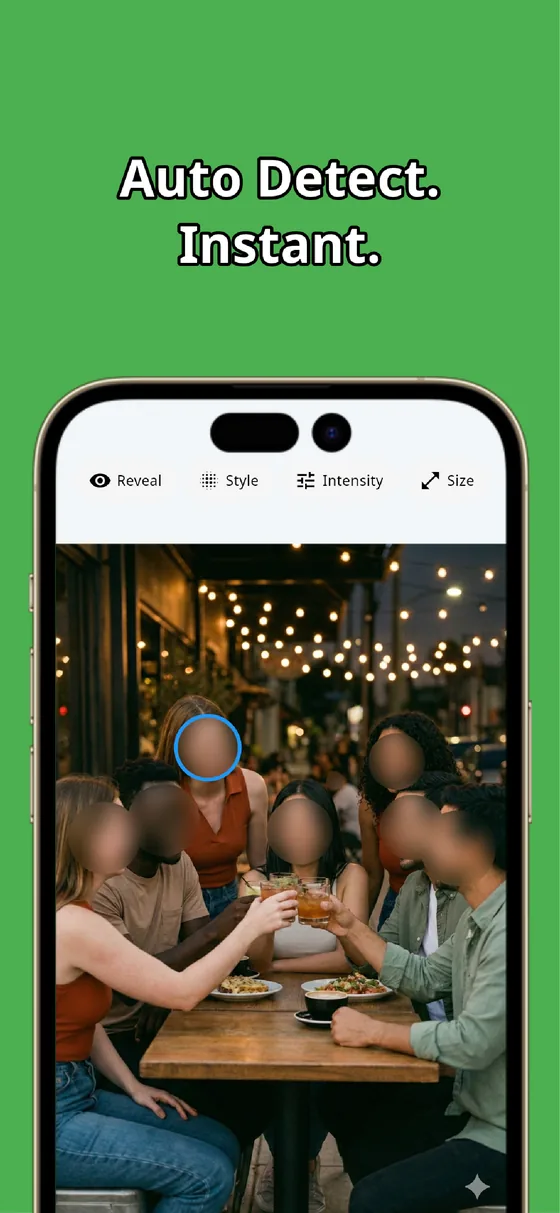
When more than one car is in the frame, trace each plate in turn — there is no limit, so a row of parked cars is covered in one pass. And the moment you pick a photo, MozFace runs on-device AI that detects every face and opens with everyone already blurred, so a passerby or a reflection of you in the window is handled without a second step.
All processing stays on the device, and your photos are never sent anywhere. You are not uploading a clear shot of your plate to some online tool just to blur it — the whole job happens offline, in your hand.
A car photo carries more than the car: the plate, nearby vehicles, and people in the background all reveal something. Trace the plate with the manual brush and raise the strength so the number can’t be read, and let auto-detect handle the faces. In tens of seconds you have a photo that looks natural and gives nothing away.

MozFace
Auto-mosaic or blur every face just by picking a photo. Cover plates, labels, and nameplates with the manual brush. Everything runs on your device, fully offline.
Learn more about MozFaceFrequently asked questions
Why not just paint a black box over the plate?
A flat black box hides the plate but looks edited and unnatural, and a hand-drawn fill can leave a digit at the edge or thin out into something still readable. A mosaic or blur traced with the manual brush blends in and lets you raise the strength until the number can’t be read.
Can I hide the plates on several cars at once?
Yes. Trace each plate in turn with the manual brush — there is no limit, so a row of parked cars is covered in one pass. Any faces in the frame are detected and blurred automatically the moment you pick the photo.
Will the rest of the car stay sharp?
Yes. Because you trace only where the plate sits, the body, paint, and wheels stay crisp — useful for a listing where you want the car to look good. You hide only the plate, not the photo.
Do I have to upload my photo to hide the plate?
No. In MozFace, face detection and editing happen entirely on your device, and your photos are never sent to any external server. It works even with no signal.