We're the OneTapLog team. A renewal charge lands on your card and you stare at the name, unsure when you even signed up — or you go to cancel something and can't tell whether you already paid this month. App subscriptions are easy to lose track of because nothing reminds you when the money actually moved. In this article we'll talk about a simple habit that lets you answer “when did I pay for this?” in seconds.
Subscriptions blur because the payment dates leave no trace
Sign-ups and renewals happen quietly. A free trial converts, an annual plan rolls over, a small monthly charge repeats — and none of it sticks in memory because each event is tiny and invisible. Months later you're left guessing, scrolling through card statements that list cryptic merchant names with no context about what they were or why you started.
We think the fix is to leave a human-readable note at the moment of payment. Not an automated tracker that watches your accounts, but a five-second memo in your own words, written the day you actually subscribe or pay.
On the day you pay, leave one line plus #subscription
With OneTapLog, the input field is already open when you launch the app, so the day you sign up or get charged you type something like Started Pro plan, yearly #subscription and send with one tap. The date is stamped automatically, so the “when” records itself — you only type the “what.”
One thing to be clear about: this is a quick memo, not an automatic renewal tracker. OneTapLog won't watch your accounts, predict your next charge, or send you renewal reminders. It simply stores the note you wrote, dated, so you can find it later. That's deliberately all it does.

Search pulls up exactly when you paid
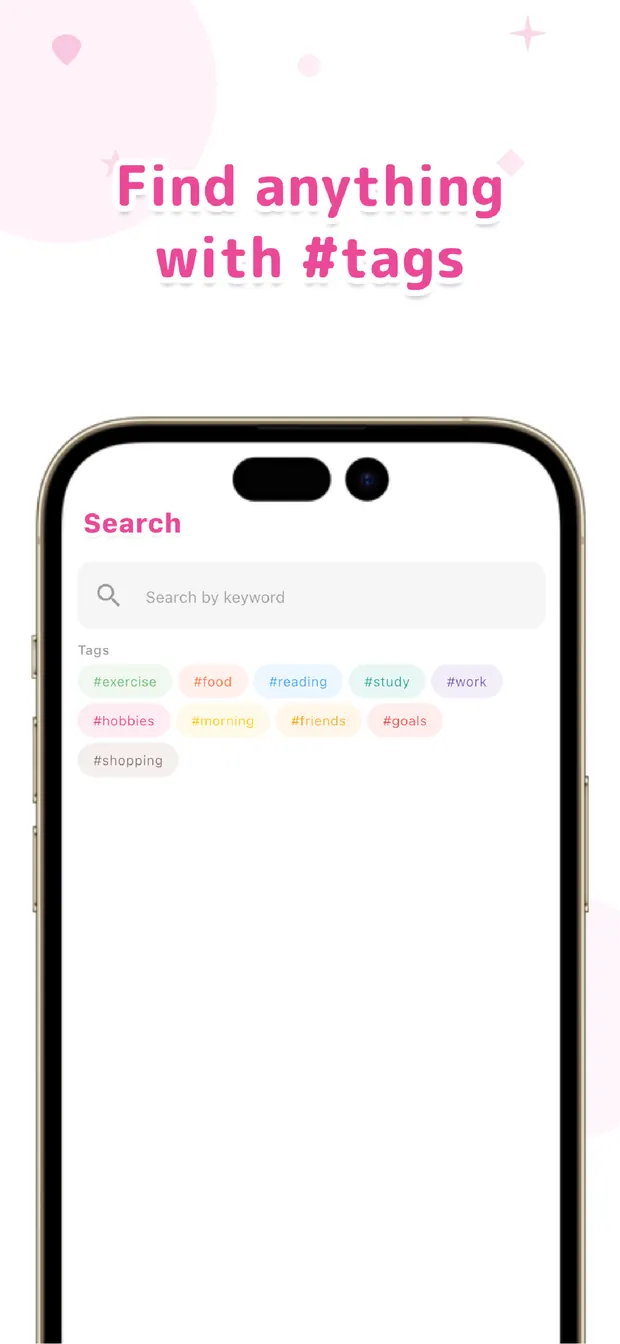
When the renewal question comes up, search the service name and the entry appears with its date — so “when did I start this?” turns from a guess into a fact in a couple of seconds. Filter the #subscription tag and every subscription note you've left gathers in one place, giving you a plain list of what you're paying for.
That list is often the nudge you needed to cancel the thing you forgot you were paying for. There's no prediction or automation behind it — it works because you left a dated note in your own words, and search can find it.
You don't need a tracker that monitors your money. A five-second note on the day you pay, plus search later, is enough to never lose track of a subscription again. Note it when you pay, find it when you need it — that order keeps your subscriptions clear.

OneTapLog
One line, one tap, dated for you. Note the day you pay and find it later with #tags and search. No account, free to start.
Learn more about OneTapLogFrequently asked questions
I can never remember when I paid for a subscription. What helps?
Leave a one-line note the day you sign up or get charged. The date records itself, so later you can search the service name and see exactly when it happened instead of guessing.
Does OneTapLog send renewal reminders or track charges automatically?
No. It doesn't watch your accounts, predict charges, or send reminders. It's a quick memo that stores the dated note you wrote, which you find later with #tags and search.
How do I find a specific payment later?
Search the service name and the entry appears with its date. Filtering the #subscription tag also gathers every subscription note in one place as a plain list.
Can I keep a list of everything I'm subscribed to?
In effect, yes. By tagging each note with #subscription, the tag view becomes a running list of what you've signed up for, which often reveals things worth cancelling.