We're the OneTapLog team. Search for a journaling app and you'll drown in options — which is exactly why we're not going to give you another feature checklist. As people who build a logging tool for a living, we want to start one level deeper: what actually predicts whether you'll still be journaling in a month?
The short answer: if you choose by speed-to-first-word, try our OneTapLog. Free, no sign-up.
Paper, notes app, or dedicated app?
| Tool | Strength | Where it breaks down |
|---|---|---|
| Paper notebook | Handwriting itself is calming; total freedom | Only works where the notebook is; hard to search |
| General notes app | Already installed, free, zero setup | Entries mix with work notes; weak timeline feel |
| Dedicated journaling app | Write→look back flow is designed in; always with you | Too many options; feature-heavy ones stall the habit |
If you love handwriting and can make the time, paper needs no replacement. But if you want to write the moment a thought appears — and search it later — the phone in your pocket wins. The question becomes which app.
Three criteria that matter: speed, privacy, looking back
First, speed to the first word. The number one habit-killer is friction: how many taps between opening the app and typing? This never appears on a feature list, yet it decides everything. It's why we built OneTapLog to open with the keyboard already up — zero taps, cursor blinking.
Second, guaranteed privacy. Journaling only works if you write the unfiltered version. In an app with sharing or social features, part of you writes for a potential audience. Look for no publishing mechanism at all, and data stored on your device.

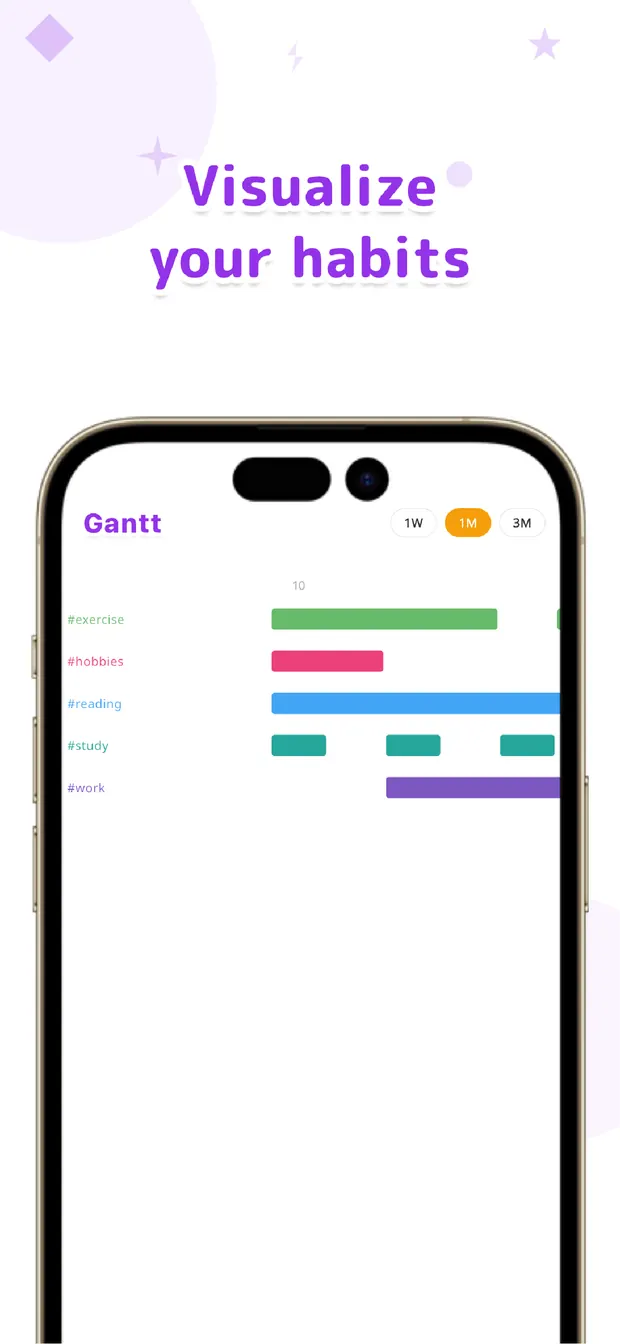
Third, how it supports looking back. Writing alone helps, but re-reading a few weeks of entries is where you spot your patterns. A chronological timeline, search, and some way to group entries — in OneTapLog, tagging a line with #anxiety lets you see when that theme spikes on a chart.
What you can safely ignore: feature count. Decorations, analytics, AI — attractive on a store page, but every extra step between impulse and typing erodes the habit. In journaling tools, simple is durable.
Start free, decide later
Don't overthink the choice. Pick something free, write for a week or two, and ask one question: does opening it feel like a chore? The app that doesn't is your answer. OneTapLog's core features are all free with no account, so the experiment costs nothing. New to the practice itself? Start with our journaling guide, or see how journaling differs from a diary.

Chosen for speed
OneTapLog opens ready to write, keeps everything private on your own timeline, and turns #tags into charts. No account, works offline, free.
Learn more about OneTapLogFrequently asked questions
Is a free app enough?
Yes. Journaling needs three things — write fast, stay private, re-read easily — and all three fit in free tiers. OneTapLog's core features are all free.
Why not just use my phone's notes app?
It's a fine start. Over time, journal entries mixing with shopping lists and work notes gets cramped, and there's no timeline to scroll back through. When the habit sticks, give it its own home.
Can I combine paper and an app?
Absolutely. Many people write longhand when they have quiet time and use an app for moments on the go. What matters is always having some way to write when the urge hits.
Is OneTapLog a dedicated journaling app?
It's built for capturing whatever's in your head as fast as possible onto a private timeline — which is journaling. The same mechanics also work as a diary, lifelog, or habit tracker.