We're the Flips team. When people search for a Q&A quiz app, what they actually want usually boils down to three things: make questions from their own material, drill them quiz-style, and go back only to the ones they missed. That exact loop is what we built our study app around. Here's what to look for when choosing one.
Short version: for self-made decks × multiple-choice quizzes × just-in-time review, try Flips. All core features are free.
Preloaded quiz banks vs. build-your-own
Quiz apps come in two kinds. Preloaded apps ship with question banks for specific exams — convenient if the bank matches your syllabus, useless for your class's midterm or your job's terminology. Build-your-own apps let you enter questions and answers yourself: more setup, but they cover exactly your scope, from any textbook page to any professional vocabulary. If preloaded apps keep disappointing you, build-your-own is what you're actually looking for.
What matters: creation speed, quiz mode, miss-only review
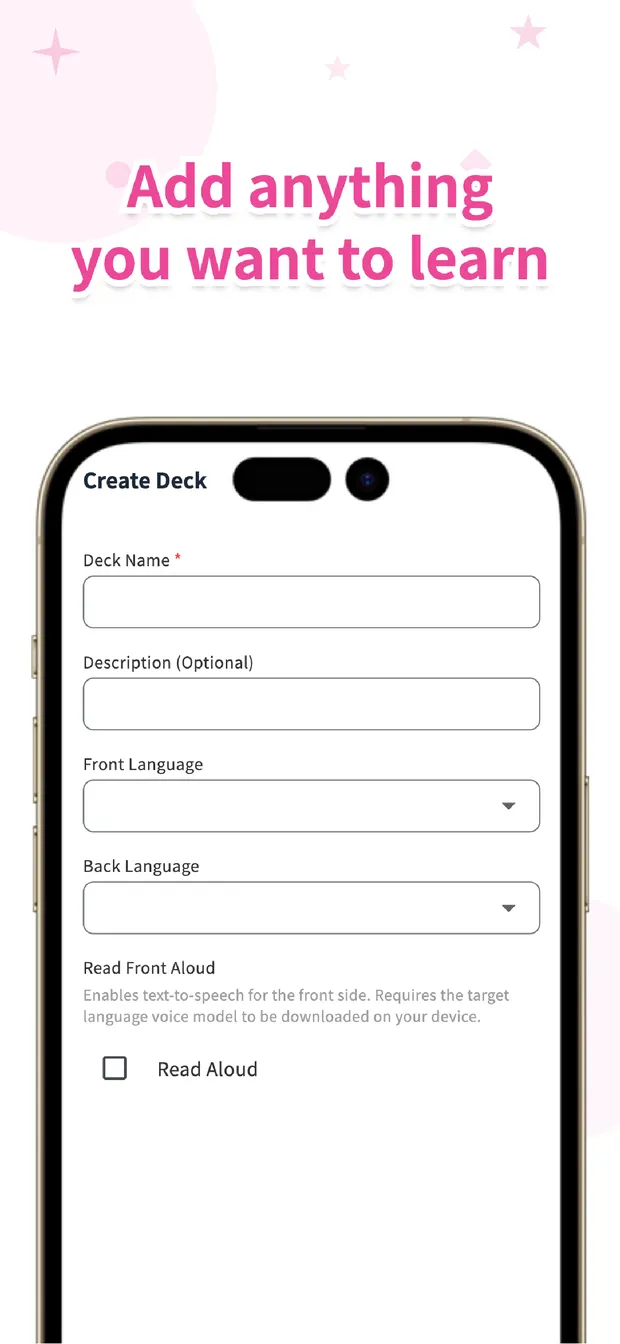
First, how fast you can create questions. The classic failure of build-your-own apps is quitting during setup. Look for the shortest path from "new deck" to "typing cards." In Flips, you name a deck, choose languages, and start adding — or import a whole spreadsheet via CSV.
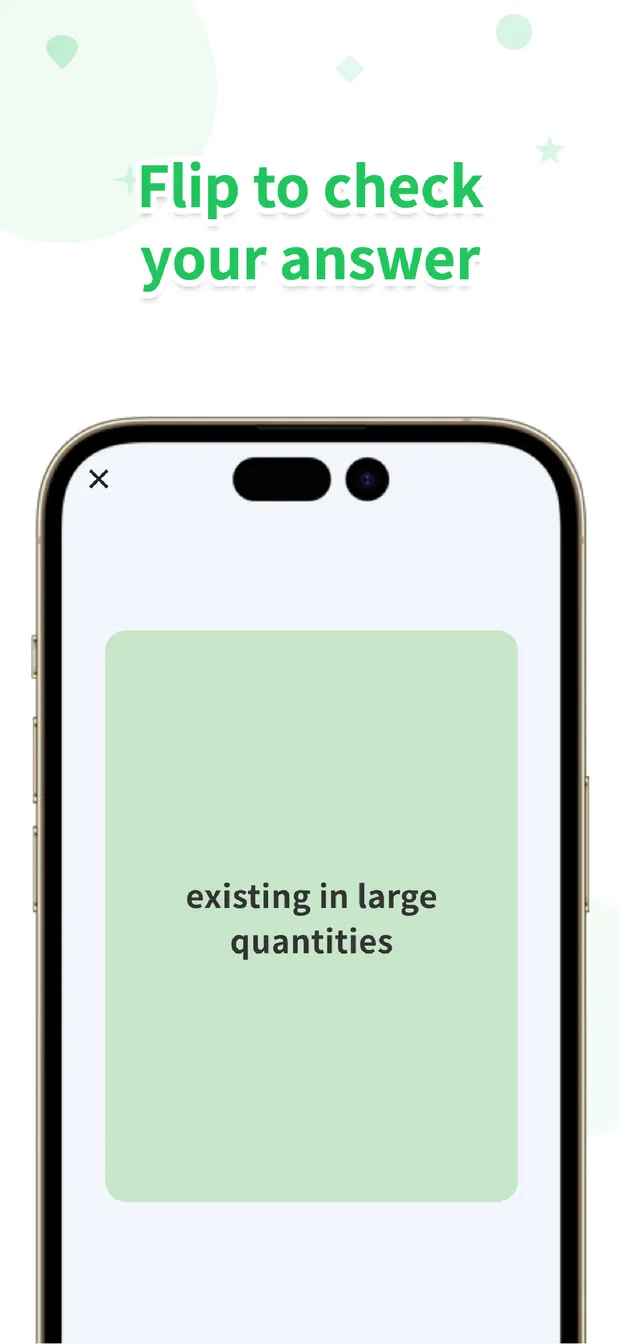
Second, how you drill. Flipping cards checks recognition; a multiple-choice quiz forces recall, which is much closer to exam conditions. Flips switches between flashcard and 4-choice quiz modes — cards while learning, quizzes to finish.
Third, going back only to your misses. Re-running the whole set wastes time; you should return only to what you haven't retained. Flips shows a retention percentage per card so weak cards surface first, and its forgetting-curve scheduling re-asks questions right before you'd forget them — with notifications for when it's time. You decide the scope; the app decides the timing.
The loop in practice
For a certification exam: one deck per textbook chapter, term on the front, definition on the back. Drill 4-choice quizzes on the commute; missed terms drop in retention and lead the next session. For vocabulary: start from a ready-made deck, then add words you meet in class or at work. That division of labor — you own the scope, the app owns the schedule — is what keeps the habit alive. For a broader comparison of memorization apps, see our forgetting-curve app comparison, or read how to use spaced repetition.

Your own quiz deck, starting today
Flips closes the loop: build your own decks, drill with 4-choice quizzes, and let forgetting-curve scheduling bring back only what you're about to forget. All core features free.
Learn more about FlipsFrequently asked questions
Creating lots of questions sounds tedious. Is there a faster way?
Flips supports CSV import, so you can draft questions and answers in a spreadsheet and load them in bulk — far faster than typing one by one.
Do I write the wrong answers for multiple choice myself?
No. The 4-choice quiz mode generates questions automatically from your cards — make the cards, and the quiz makes itself.
Can I review only the questions I missed?
Yes. Each card shows a retention percentage, and forgetting-curve scheduling automatically prioritizes what you're about to forget.
Is it free?
Yes. Deck creation, 4-choice quizzes, forgetting-curve review, and CSV import are all free.